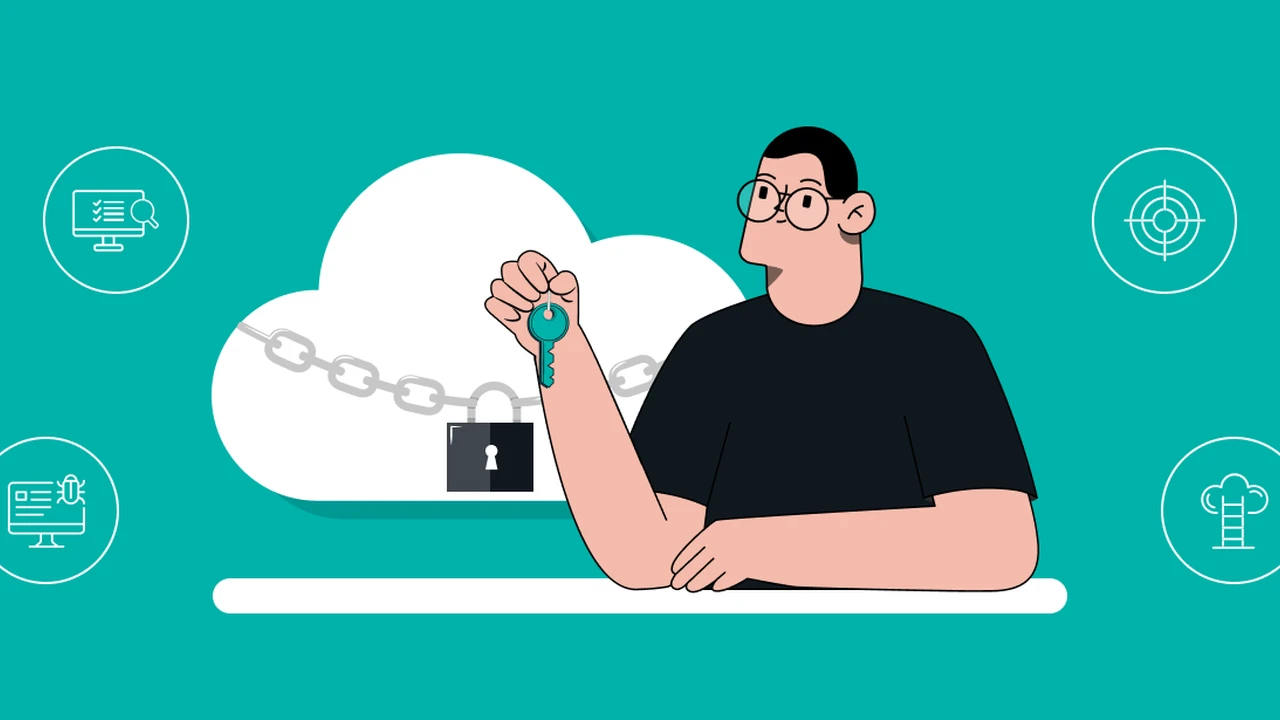
Discover essential cloud security best practices to protect your data stored in online services. Secure your digital assets.
Discover essential cloud security best practices to protect your data stored in online services. Secure your digital assets.
Cloud Security Best Practices for Protecting Your Data Online
Understanding the Cloud Security Landscape Your Data in the Digital Sky
Hey there! Let’s talk about something super important in our digital lives: cloud security. Chances are, you’re using cloud services every single day, whether you realize it or not. From your email and photo storage to streaming services and online banking, a huge chunk of our digital existence now resides in the ‘cloud.’ It’s incredibly convenient, offering flexibility, accessibility, and often, cost savings. But with all that convenience comes a crucial question: how secure is your data up there? This isn’t just about big corporations; it’s about your personal photos, documents, financial information, and even your identity. Understanding the cloud security landscape means recognizing that while cloud providers offer robust infrastructure, the ultimate responsibility for securing your data often falls on you, the user. We’re going to dive deep into the best practices that empower you to protect your digital assets, ensuring your peace of mind in this ever-expanding digital sky.
Shared Responsibility Model Deciphering Cloud Security Roles
Before we get into the nitty-gritty of best practices, it’s vital to grasp the concept of the ‘shared responsibility model’ in cloud computing. This is a fundamental principle that defines who is responsible for what when it comes to cloud security. Think of it like owning a house: the cloud provider (like Amazon Web Services, Microsoft Azure, or Google Cloud) is responsible for the security of the cloud – meaning the physical infrastructure, network, and hypervisor. They ensure the foundation is solid, the walls are strong, and the utilities are running. However, you, the user, are responsible for security in the cloud – meaning your data, applications, operating systems, network configurations, and identity and access management. It’s like you’re responsible for locking your doors, securing your valuables, and making sure your appliances are safe. Many data breaches in the cloud don’t happen because the cloud provider’s infrastructure was compromised, but because users misconfigured settings, used weak passwords, or failed to implement proper access controls. Understanding this distinction is your first and most critical step towards effective cloud security.
Robust Access Control Your Digital Gatekeepers
One of the most critical pillars of cloud security is robust access control. This is all about ensuring that only authorized individuals can access your data and resources. Think of it as setting up the most secure gatekeepers for your digital assets. Here’s how to implement it effectively:
Multi-Factor Authentication MFA Your Essential Security Layer
This is non-negotiable. Multi-Factor Authentication (MFA) adds an extra layer of security beyond just a password. Even if a hacker gets your password, they still need a second piece of information – something you know (password), something you have (phone, hardware token), or something you are (fingerprint, facial scan). Always enable MFA on every cloud service that offers it. For personal use, Google Authenticator, Authy, or even built-in phone authenticators are excellent choices. For businesses, solutions like Duo Security or Okta provide more centralized management. The cost is usually free for personal use, while business solutions vary based on user count and features, typically ranging from a few dollars per user per month.
Strong Unique Passwords The Foundation of Your Digital Defense
This might sound obvious, but it’s worth repeating: use strong, unique passwords for every single cloud service. A strong password is long (at least 12-16 characters), includes a mix of uppercase and lowercase letters, numbers, and symbols. Never reuse passwords. A password manager like LastPass, 1Password, or Bitwarden is indispensable here. They generate strong passwords, store them securely, and auto-fill them for you. Most offer free tiers for basic use and premium versions with more features for around $3-5 per month.
Least Privilege Principle Granting Only Necessary Access
This principle dictates that users should only be granted the minimum level of access required to perform their job functions. For example, if someone only needs to view a document, they shouldn’t have editing or deletion rights. Regularly review and revoke unnecessary permissions. This is particularly crucial in business environments but also applies to personal cloud storage where you might share folders with others. Always be mindful of who has access to what.
Data Encryption Your Digital Lockbox
Encryption is like putting your data in a secret code that only authorized parties can unlock. It’s a fundamental security measure for data both at rest (stored) and in transit (moving across networks).
Encryption at Rest Securing Stored Data
Most reputable cloud providers offer encryption for data stored on their servers. Ensure this feature is enabled for all your cloud storage. For example, Google Drive, Dropbox, and OneDrive all encrypt data at rest by default. However, for highly sensitive personal data, consider encrypting files before uploading them to the cloud using tools like VeraCrypt (free, open-source) or built-in operating system encryption (BitLocker for Windows, FileVault for macOS). This adds an extra layer of protection, as even if the cloud provider’s encryption is somehow bypassed, your data remains unreadable.
Encryption in Transit Protecting Data During Transfer
When your data travels between your device and the cloud, it should always be encrypted. This is typically handled by Transport Layer Security (TLS) or Secure Sockets Layer (SSL) protocols, indicated by ‘HTTPS’ in your browser’s address bar and a padlock icon. Always ensure you’re connecting to cloud services over HTTPS. Avoid public Wi-Fi for sensitive transactions unless you’re using a Virtual Private Network (VPN) to encrypt your entire connection. Popular VPN services like NordVPN, ExpressVPN, or Surfshark cost around $3-10 per month, offering robust encryption for data in transit.
Regular Backups Your Digital Safety Net
Even with the best security measures, things can go wrong. Accidental deletion, software glitches, or even a sophisticated cyberattack could lead to data loss. That’s where regular backups come in – they are your ultimate digital safety net.
The 3-2-1 Backup Rule A Golden Standard
The 3-2-1 rule is a widely recommended backup strategy: have at least 3 copies of your data, store them on 2 different types of media, and keep 1 copy offsite. For cloud data, this means not solely relying on the cloud provider’s redundancy. Consider backing up critical cloud data to a local external hard drive or another separate cloud service. Services like Backblaze or Carbonite offer automated cloud backups for your entire computer, including files synced to cloud storage, for around $7-10 per month. For specific cloud services, many offer export functions or third-party backup tools.
Monitoring and Logging Keeping an Eye on Your Cloud Activity
Just like you’d check your bank statements, it’s important to monitor activity in your cloud accounts. Most cloud services provide activity logs that show who accessed what, when, and from where. Regularly review these logs for any suspicious activity. For businesses, implementing Security Information and Event Management (SIEM) solutions like Splunk or Elastic Stack can centralize and analyze these logs for anomalies. For personal use, simply checking your account’s ‘security activity’ or ‘recent logins’ section is a good habit.
Secure Configuration Your Cloud’s Blueprint
Misconfigurations are a leading cause of cloud breaches. When you set up a cloud service, don’t just stick with the default settings. Take the time to review and secure them.
Public vs Private Storage Buckets Avoiding Accidental Exposure
If you’re using cloud storage services like Amazon S3, Google Cloud Storage, or Azure Blob Storage (often used by developers and businesses), ensure that your storage buckets are not publicly accessible unless absolutely necessary. Many high-profile data breaches have occurred because sensitive data was inadvertently left in publicly exposed storage buckets. Always default to private and only grant specific, limited access when required.
Network Security Groups and Firewalls Controlling Ingress and Egress
For more advanced cloud users or businesses, properly configuring network security groups and firewalls is crucial. These act as virtual firewalls, controlling inbound and outbound traffic to your cloud resources. Only allow necessary ports and IP addresses to communicate with your cloud instances. This prevents unauthorized access and reduces your attack surface.
Vendor Security Assessment Choosing Your Cloud Partners Wisely
You’re entrusting your data to a third party, so it’s essential to choose cloud providers that take security seriously. Before committing to a service, do your homework:
Reviewing Security Certifications and Compliance
Look for providers that adhere to industry-recognized security standards and certifications like ISO 27001, SOC 2, HIPAA (for healthcare data), or GDPR compliance. These certifications indicate that the provider has undergone rigorous audits and meets specific security requirements.
Understanding Their Data Handling Policies
Read the provider’s privacy policy and terms of service. Understand where your data is stored, who has access to it, and how they handle data requests from governments or law enforcement. Be wary of providers with vague or unclear policies.
Employee Training and Awareness Your Human Firewall
For businesses, your employees are often the weakest link in your security chain. Comprehensive training and ongoing awareness programs are essential to turn them into your strongest defense.
Phishing Awareness Training Recognizing Social Engineering
Teach employees how to recognize phishing emails, suspicious links, and other social engineering tactics that aim to trick them into revealing credentials or downloading malware. Regular simulated phishing exercises can be highly effective.
Secure Remote Work Practices Protecting Data Beyond the Office
With the rise of remote work, ensure employees understand how to securely access cloud resources from home. This includes using company-approved devices, secure Wi-Fi, and VPNs, and understanding data handling policies outside the traditional office environment.
Incident Response Planning What to Do When Things Go Wrong
No matter how robust your security measures, a breach is always a possibility. Having a well-defined incident response plan is crucial for minimizing damage and recovering quickly.
Steps for Detecting and Responding to a Cloud Security Incident
Your plan should outline clear steps for detecting a breach, containing it, eradicating the threat, recovering affected systems and data, and conducting a post-incident analysis. This includes knowing who to contact, what tools to use, and how to communicate with affected parties.
Specific Product Recommendations and Use Cases
Let’s get practical and look at some specific tools and services that can help you implement these best practices, along with their typical pricing and use cases.
For Personal Cloud Storage and Sync
- Google Drive / Dropbox / OneDrive: These are ubiquitous. While they offer basic encryption and access controls, remember the shared responsibility model. For highly sensitive files, encrypt them locally before uploading.
- Proton Drive: Offers end-to-end encrypted cloud storage, meaning even Proton can’t access your files. Excellent for privacy-conscious users.
- Pricing: Free tiers available for all; premium plans typically $2-10/month for more storage and features.
- Use Case: Storing personal documents, photos, and sharing files securely.
For Password Management and MFA
- LastPass / 1Password / Bitwarden: Essential for strong, unique passwords and often integrate with MFA.
- Google Authenticator / Authy: Free apps for generating time-based one-time passwords (TOTP) for MFA.
- YubiKey: A hardware security key for robust MFA, offering phishing resistance.
- Pricing: Password managers have free tiers, premium $3-5/month. Authenticator apps are free. YubiKey costs $25-50 per key.
- Use Case: Securing all your online accounts, especially cloud services, with strong passwords and MFA.
For Encrypted Communication and Collaboration
- ProtonMail / Tutanota: End-to-end encrypted email services.
- Signal / Threema: End-to-end encrypted messaging apps.
- Pricing: Free tiers for basic use; premium email services $4-8/month. Messaging apps are free.
- Use Case: Communicating and sharing sensitive information without fear of eavesdropping.
For Cloud Backup Solutions (Beyond Provider Redundancy)
- Backblaze / Carbonite: Automated, continuous cloud backup for your entire computer, including local copies of cloud-synced files.
- Pricing: Around $7-10/month per computer.
- Use Case: Ensuring a separate, offsite backup of all your critical data, including files stored in cloud services.
For VPN Services (Securing Data in Transit, especially on Public Wi-Fi)
- NordVPN / ExpressVPN / Surfshark: Top-tier VPNs with strong encryption, no-logs policies, and global server networks.
- Pricing: Typically $3-10/month, often cheaper with longer subscriptions.
- Use Case: Encrypting your internet connection, especially when using public Wi-Fi, to protect data from interception.
Staying Vigilant Your Ongoing Cloud Security Journey
Cloud security isn’t a one-time setup; it’s an ongoing journey. The threat landscape is constantly evolving, and so too should your security practices. Regularly review your cloud settings, stay informed about new threats, and update your knowledge. By implementing these best practices – from robust access controls and encryption to regular backups and vigilant monitoring – you can significantly enhance the security of your data online. Remember, the cloud offers incredible benefits, but it’s up to you to ensure your digital assets are truly protected in that vast digital sky. Stay safe out there!